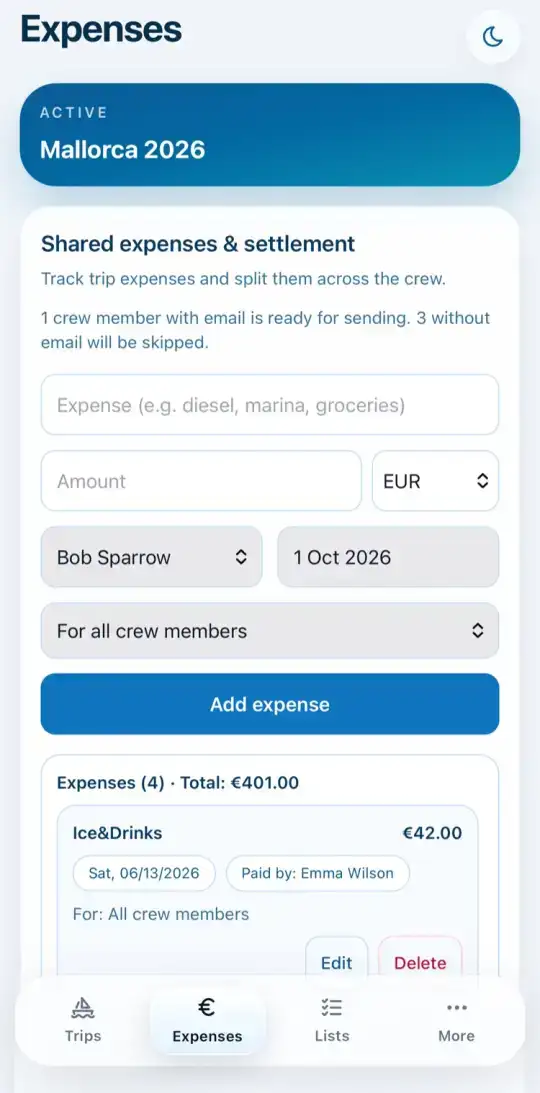
Add an expense
EveryoneOn board
Every expense for the crew goes into the shared expenses, no matter who paid.
- Open the Expenses tab.
- Write what the money was for, such as "diesel" or "marina fee", and enter the amount.
- Different currency? Choose it next to the amount. The app converts it at the daily rate.
- Choose who paid and check the date.
- Leave For all crew members or select only the people it concerns.
- Tap Add expense.