Settle up and close the shared expenses
AdminAfter the trip
At the end of the trip, an admin sends the settlement to the crew.
- Check under Who pays whom? that everything is right.
- Tap Settle up. Every crew member with an email address receives the settlement by email.
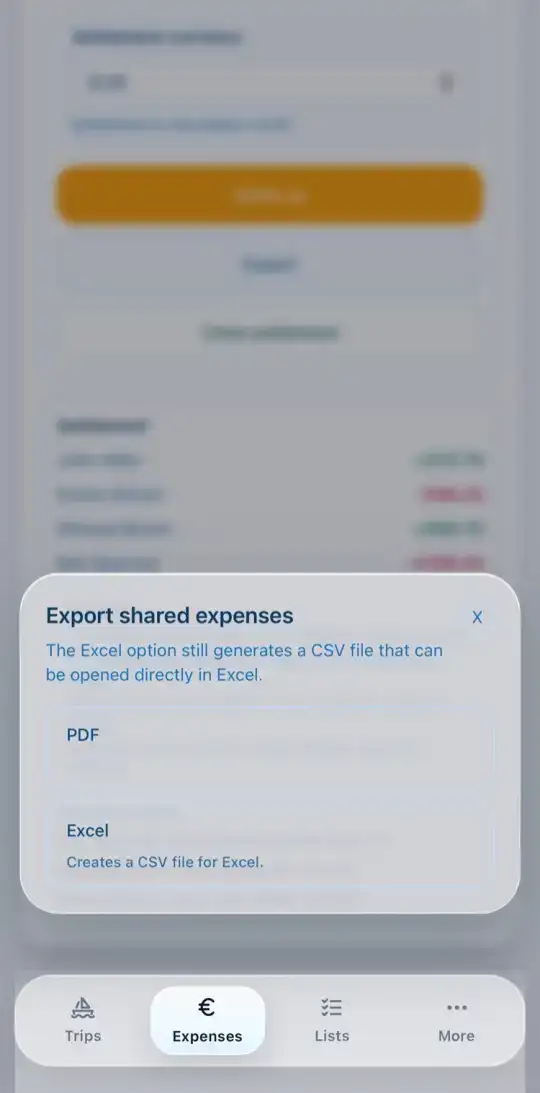
- With Export you save the settlement as PDF or as a CSV file for Excel.
- Once everyone has paid, tap Close settlement.