Export the settlement as PDF or Excel
EveryoneAfter the trip
You can save the settlement as a file at any time, for example for your own records.
- Open Expenses and scroll below the list of expenses.
- Tap Export.
- Choose PDF for a finished settlement with all expenses, balances and payments.
- Or choose Excel. You get a CSV file that opens directly in Excel.
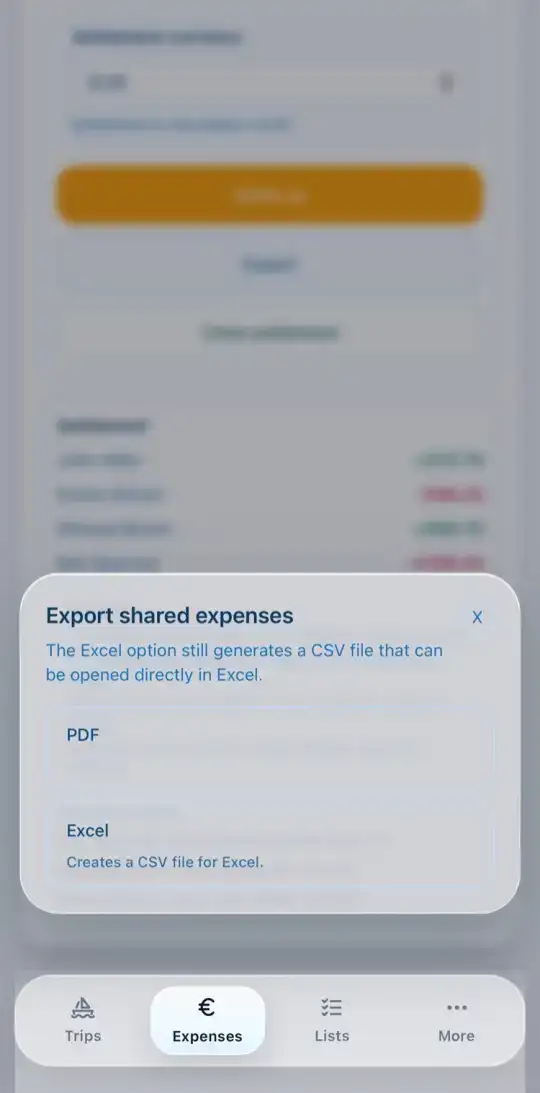
In the app the share menu opens afterwards; on the web the file is downloaded.