Add and invite your crew
AdminBefore the trip
The crew list and the invitation to the app are two separate steps. The crew list holds everyone on board. Only those who should plan along in plan2sail get invited.
- Open Crew in the trip.
- Tap Add crew member or Import from address book.
- After saving, the app asks whether to invite the person too. Invite them now or later.
- Anyone who has joined gets the green Joined label.
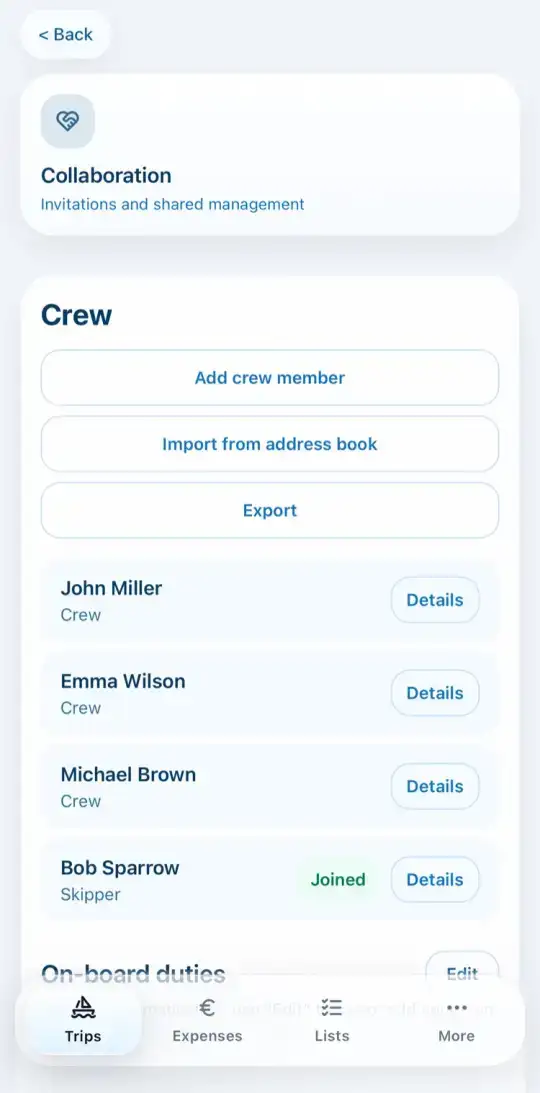
For the charter company or the authorities, tap Export to get the crew list with all details.
Invite with a link
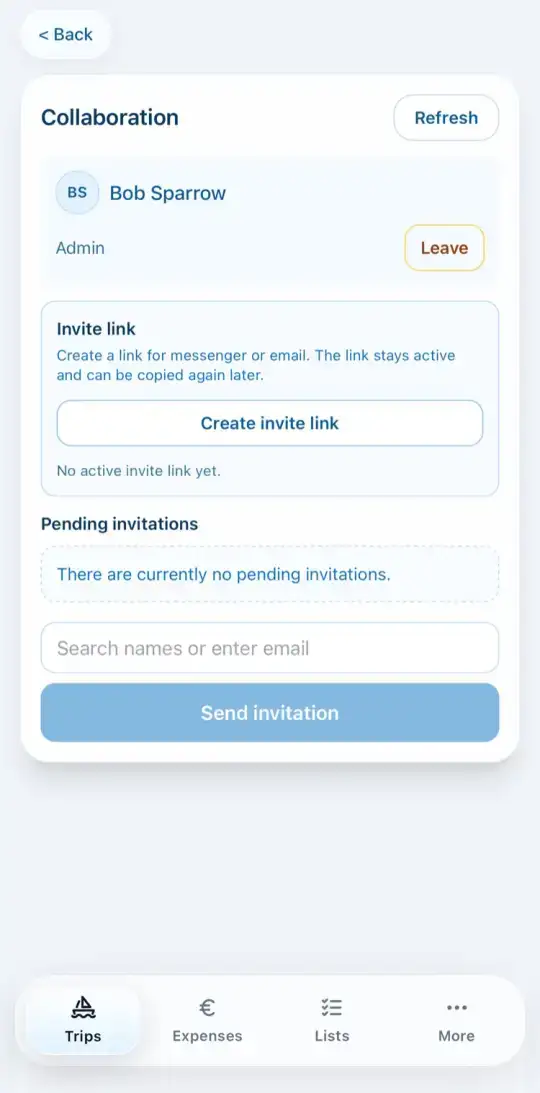
In Collaboration you can create an Invite link and send it via messenger. The link stays valid and can be copied again at any time.