Use the radio call helper
EveryoneOn board
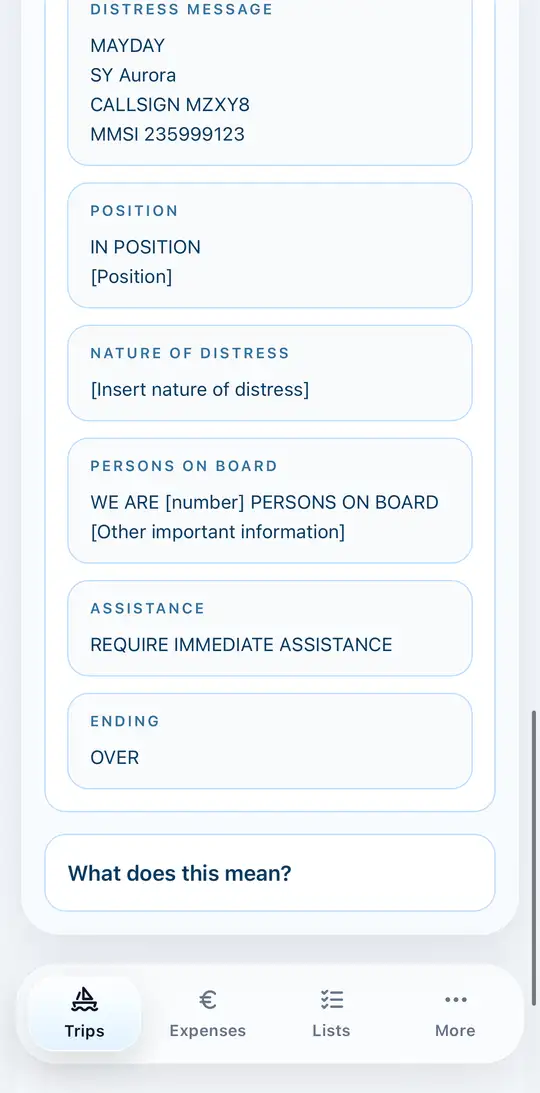
The radio call helper helps you make a calm and complete call under stress. You'll find it in the trip under Vessel.
- Check the vessel data at the top: vessel name, callsign and MMSI are inserted straight into the radio calls.
- Choose SRC/LRC for sea areas or UBI for inland waters.
- Tap the matching situation, for example a distress call.
- Use position inserts your current location.
- Read the call out block by block.