Import a GPX file
AdminBefore the trip
If you've already planned the route in another app or on the plotter, bring it in as a GPX file.
- Open Route in the trip and tap Import GPX.
- Choose the file. Waypoints, routes and tracks are recognised.
- Each route in the file becomes its own section under Route sections. Long tracks are simplified into waypoints that you can still move.
- Check the course and tap Save route.
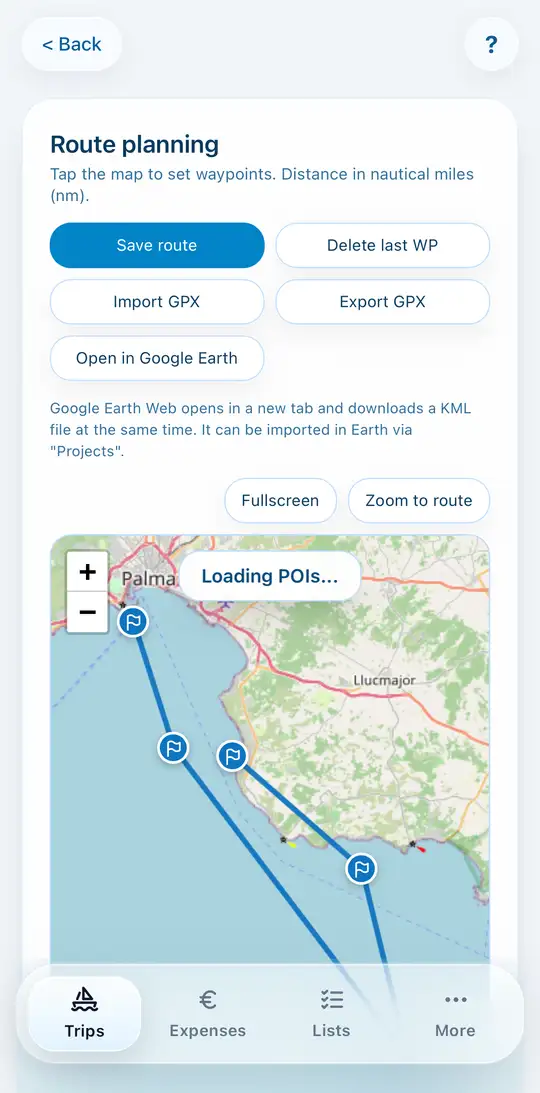
Export GPX works the other way round, for example to the plotter. Crew members without admin rights can do that too.