Plan the route
AdminBefore the trip
The route shows the whole crew where you're heading and how far it is.
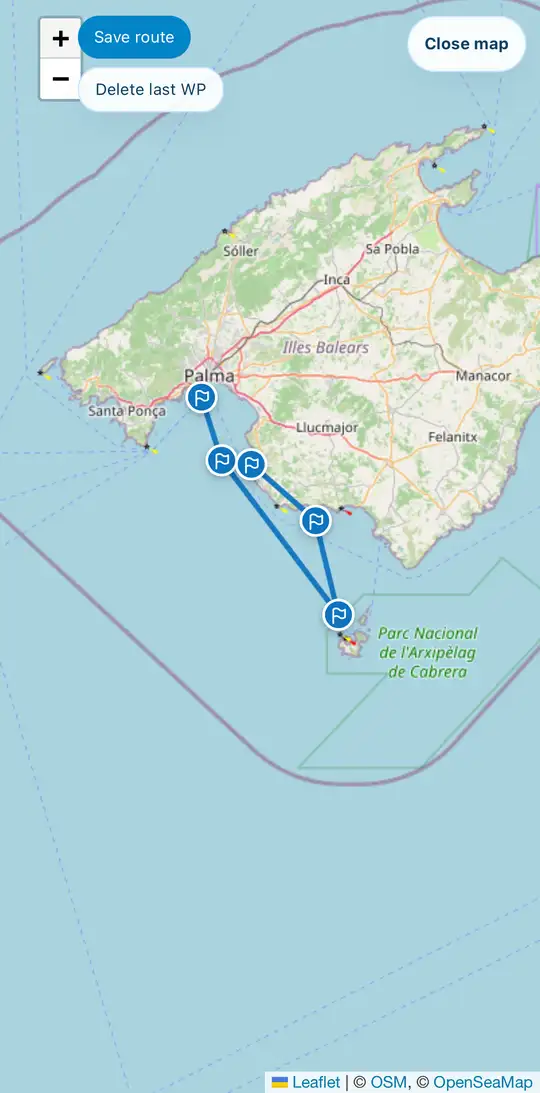
- Open Route in the trip. Fullscreen gives you more room.
- Zoom to your sailing area and tap the map to set the first waypoint. Every further tap extends the route.
- Placed it wrong? Delete last WP removes the last point.
- Tap Save route. The distance in nautical miles is shown below the map.
Bring in a route from your plotter or another app with Import GPX. Export GPX works the other way round.