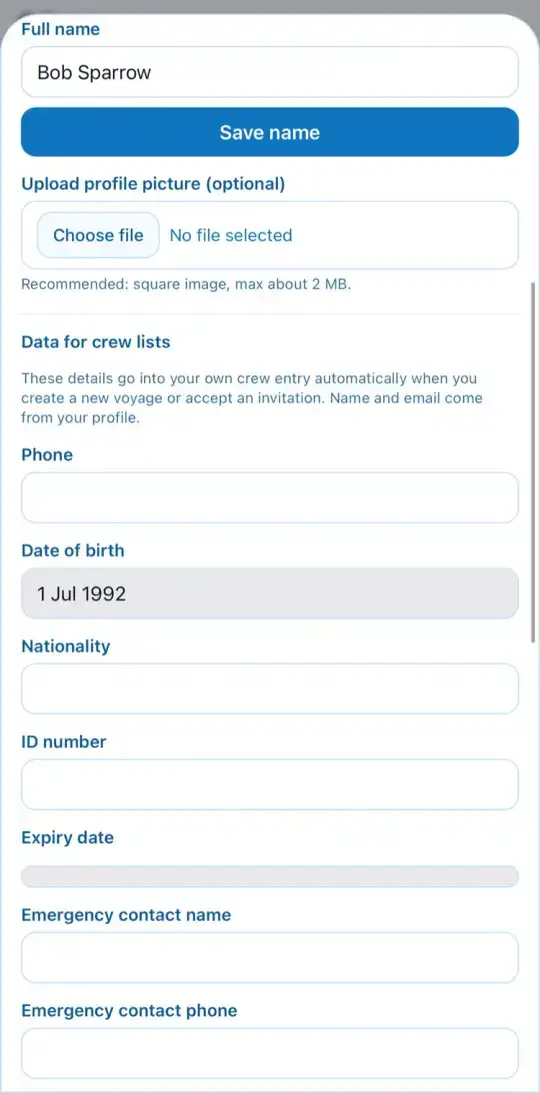
Fill in your profile
EveryoneBefore the trip
Your profile holds your name and the details needed for crew lists. Open it under More › Profile.
- At the top, choose the Language and, if you like, light or dark appearance.
- Enter your Full name and tap Save name.
- Under Data for crew lists you'll find phone, date of birth, nationality, ID, emergency contact and address. Tap Save crew data.
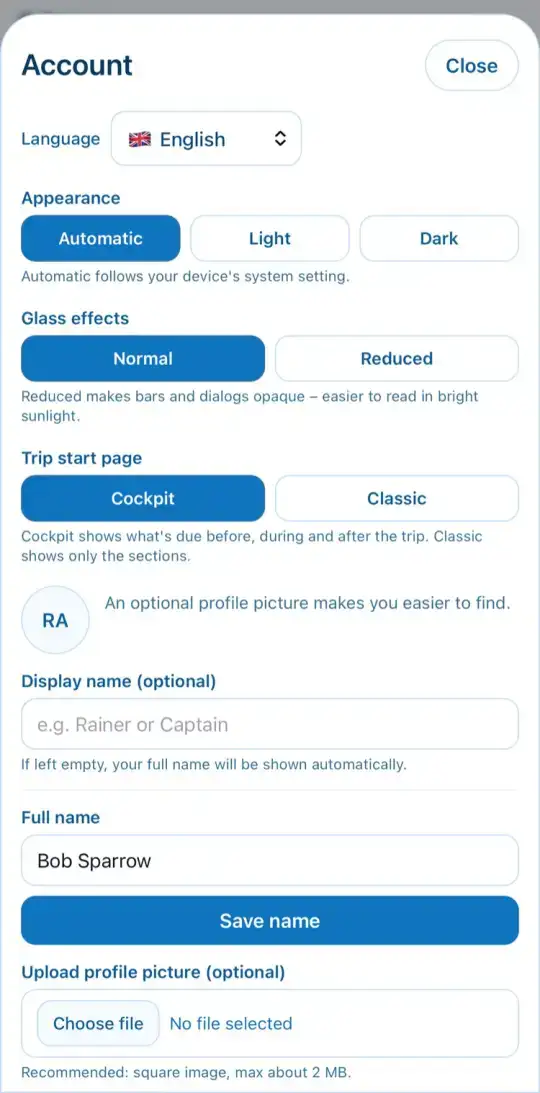
These details are copied into your crew entry automatically when you create a trip or accept an invitation. That way the skipper doesn't have to type anything for the charter company.