Use the weather map and time slider
EveryoneOn board
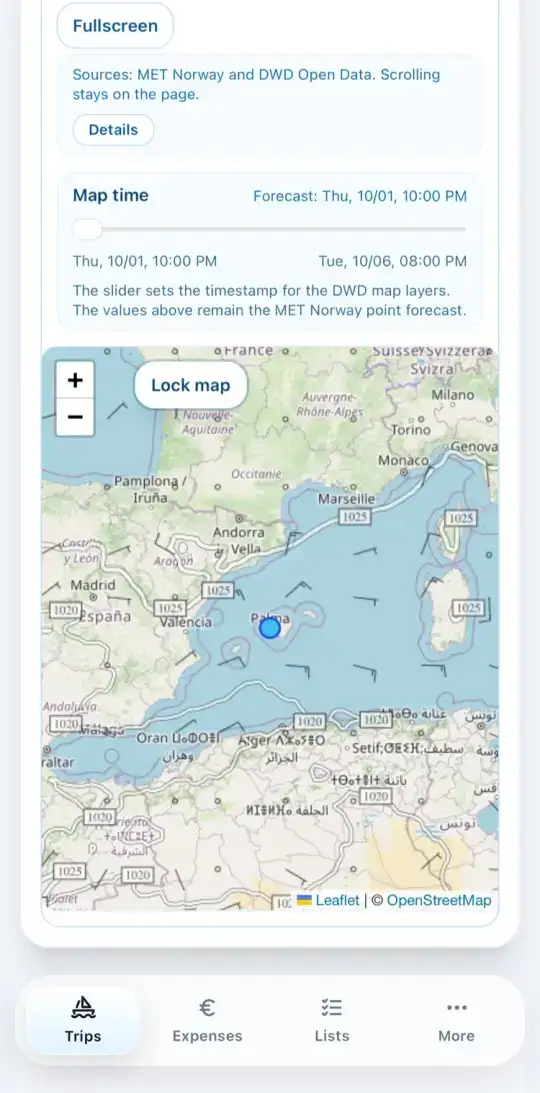
The weather map shows the overall weather situation from the open maps of the German Weather Service (DWD).
- Open Wind in the trip and scroll to the Weather map.
- Under Map layer, choose what you want to see: Wind + isobars, Precipitation or Waves + sea wind.
- Choose the ICON model. ICON is the DWD's standard model, AICON its AI-based variant.
- Move the slider under Map time to see the forecast for a later time.
- Fullscreen gives you more room.