Export the crew list
AdminBefore the trip
Charter companies and authorities ask for a crew list. The app builds it from the trip's crew entries.
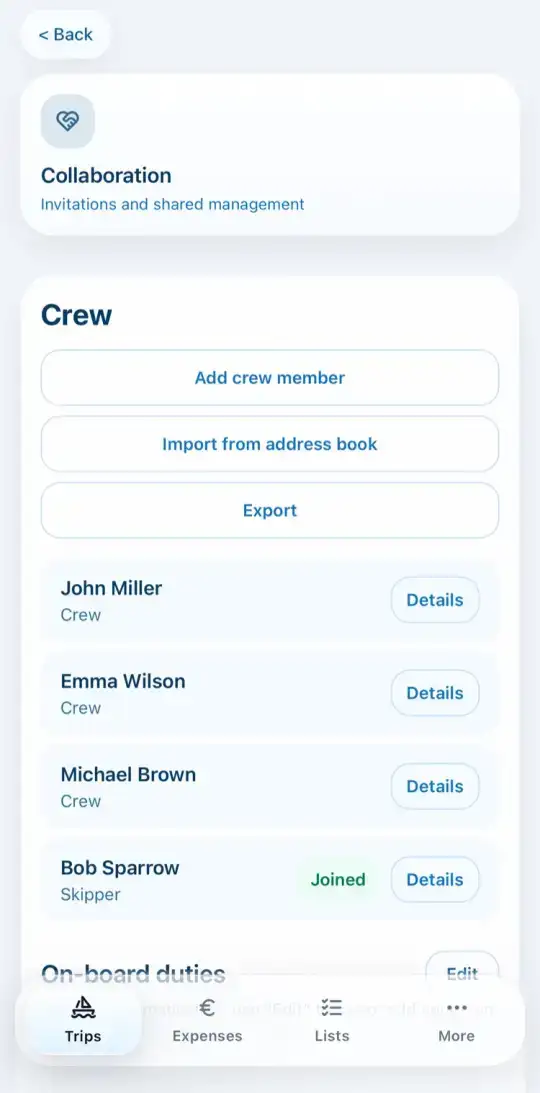
- Open Crew in the trip and tap Export.
- Choose PDF. Under Choose PDF fields you decide what is printed, for example date of birth, nationality, ID number and expiry date. Default resets the selection. Then tap Export PDF.
- Or choose Excel. You get a CSV file that opens directly in Excel.
- Calendar (.ics) saves the trip as an event for your calendar.